How to Pick a Budget Laptop
Last updated: October 7, 2026
A cheap laptop can be a great buy or a frustrating one, and the difference is usually in a few lines of the spec sheet. Here's what to check before you buy, in order of how much it affects everyday use.
1. Memory (RAM)
8GB is the practical minimum for Windows today: fine for browsing, documents, video calls and streaming. If you keep lots of browser tabs open, edit photos or run bigger apps, aim for 16GB. Many budget laptops can't be upgraded later because the memory is soldered on, so buy what you'll need.
2. Storage: SSD, not a hard drive
An SSD makes a laptop start, open apps and wake from sleep far faster than a spinning hard drive. 256GB is enough if you keep most files in the cloud; 512GB is more comfortable. Be wary of very cheap models with 64GB of eMMC storage, which fill up quickly once Windows updates install.
3. Processor
For everyday use, a recent Intel Core i3/i5 or Core Ultra, an AMD Ryzen 3/5, or an Apple M-series chip is plenty. Entry-level Celeron, Pentium and older Athlon chips are noticeably slower; they're fine for a Chromebook or very light use, but not for a main Windows laptop.
4. Screen
Look for a Full HD (1920×1080) resolution or higher. 13–14 inch laptops are easier to carry; 15.6 inch models give you more room and often a number pad. Screen brightness and an IPS panel make a bigger difference than most people expect, so check reviews for both.
5. Windows, ChromeOS or Mac?
- Chromebooks are cheap, fast and simple, and they're good for schoolwork and anything that runs in a browser. They can't run most Windows software.
- Windows laptops run the widest range of software and games.
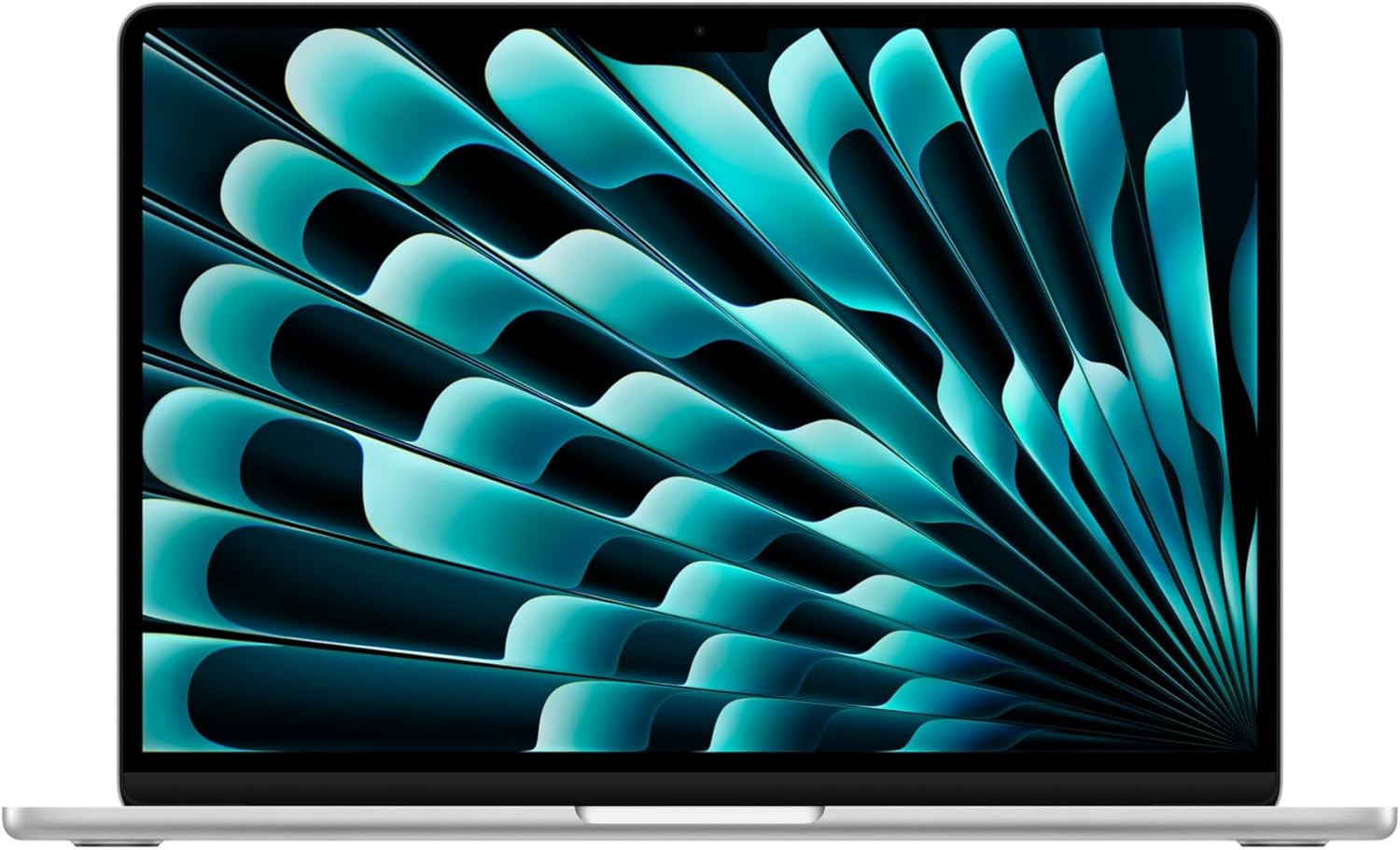
- MacBooks with Apple's M-series chips cost more up front but have long battery life and long software support, so a discounted MacBook Air is often a strong value.
How to tell if a laptop deal is real
- Compare the exact model number. Retailers often sell several configurations under the same name at different prices.
- Compare against the usual selling price, not the "list price". Our price history on each deal page shows the prices we've recorded.
- Check the return window, and whether the seller is the retailer itself or a third-party seller.
- Business models (Dell Pro and Latitude, Lenovo ThinkPad, HP ProBook and EliteBook) are often discounted heavily and are usually built more sturdily than consumer laptops at the same price.
Live deals right now



Browse deals
Laptop deals · Apple deals · Dell deals · HP deals · Deals under $100
More buying guides
Air fryer size guide · TV size guide · Headphone buying guide · How to spot a real deal